Know what is available, and where it is held.
Connect product variants to warehouse locations and keep physical, reserved and available quantities clear for the team making fulfilment decisions.
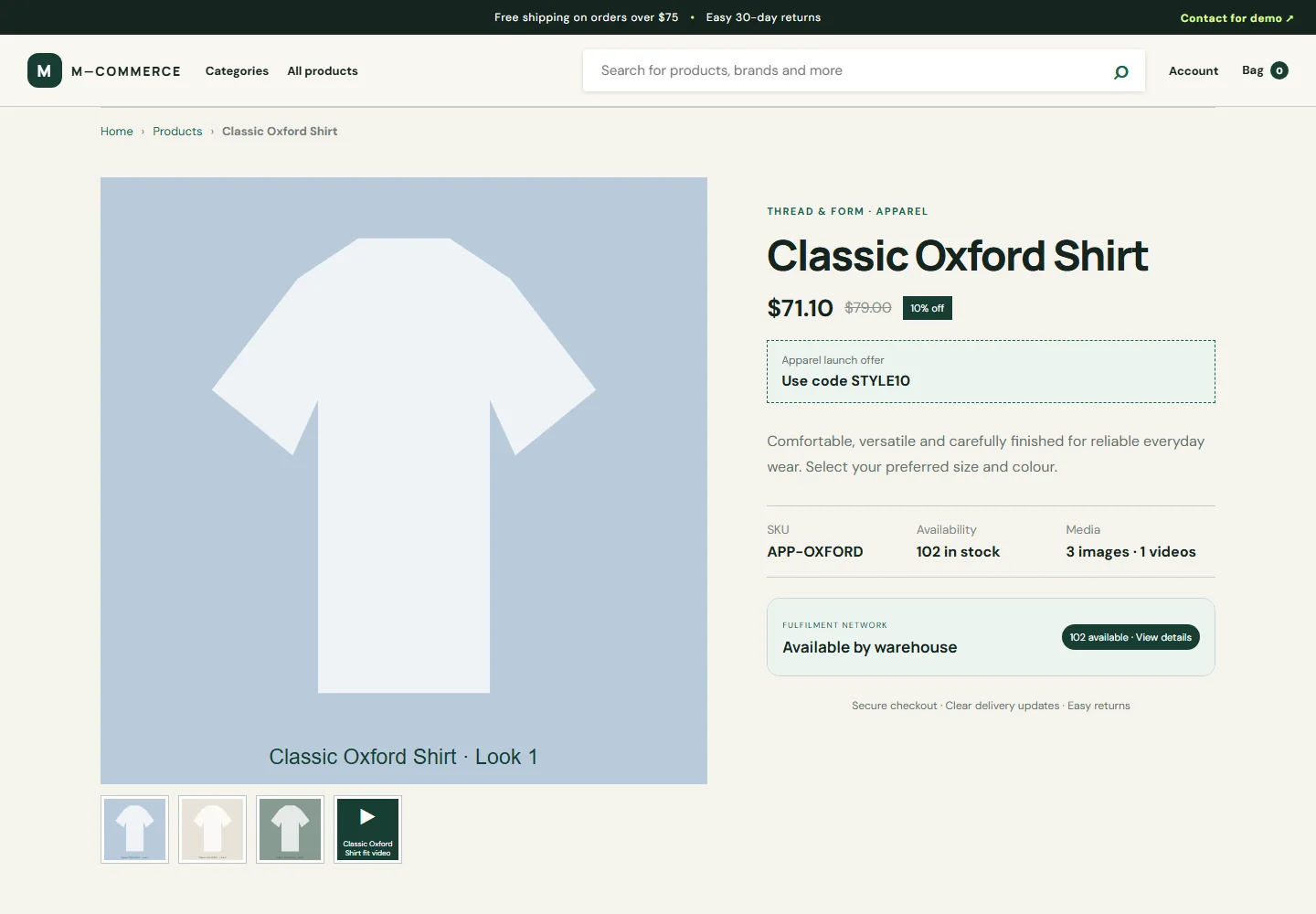
Make stock decisions from the units you can promise.
For retailers holding stock in more than one location, a total is only useful when the team can explain which variant and warehouse can fulfil the order.
What to ask us to demonstrate
Bring a product held at two locations and a low-stock variant. Review available quantity, a reservation, a cancellation and the resulting movement history.
Prepare a useful first conversation
Tell us your approximate catalogue size, sales channels, warehouse locations and the manual task you want to reduce. We will agree the required connectors, data migration and acceptance checks before you commit.
Track inventory at SKU and variant level
A shirt in two sizes is not one interchangeable stock unit. Relate each sellable variant to its SKU and warehouse quantities. Parent-product totals provide a summary; the selected variant and warehouse record determine what can actually be allocated.
Separate stock on hand from stock you can promise
Physical quantity describes units held. Reserved quantity describes units committed to orders. Available quantity is the quantity left to offer. For an illustrative warehouse with 20 physical units and 5 reserved units, availability is 15. This example explains the calculation; it is not a customer performance claim.
Keep a movement trail
Record receipts, returns, damage and adjustments with the affected product, warehouse, quantity and reason. When availability looks wrong, use the movement history to trace the change instead of manually editing totals in multiple screens.
- Set up warehouse locations and their status.
- Allocate opening quantities to base products or variants.
- Record changes through stock movements.
- Review available stock before fulfilment.
Keep the stock boundary consistent
Own-site orders, imported marketplace orders and manual adjustments should use the same stock rules. Confirmation must not deduct twice, and cancellation must not return stock twice. Production marketplace updates require a working connector and background processing; local inventory records alone do not update a remote seller portal.
Common questions
Can customers see warehouse availability?
The demonstration includes total availability with warehouse details on the product page.
Does adding a warehouse enable live marketplace sync?
No. Warehouse records supply stock data, while live channel synchronization also requires a completed connector and configured jobs.
See how the workflow fits your business.
Tell us about your products, warehouses and sales channels. We will confirm the setup and integration scope before activation.